
For Roofing Agency Owners
See 500 Visitors

How Roofing Agencies Turn Website Visitors Into Leads Clients Can Contact

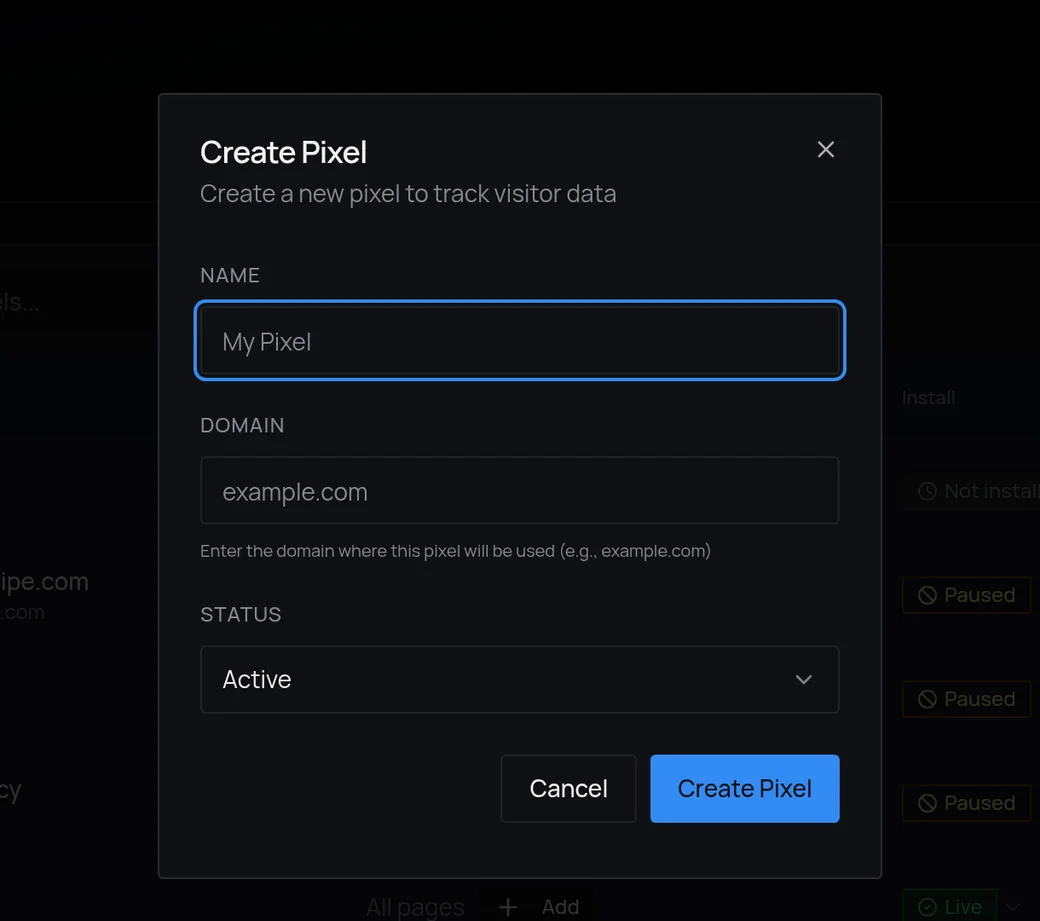
Add one pixel to a client’s site. Leadpipe finds eligible visitors, shows the roofing and financing pages they viewed, and sends useful lead profiles to the client’s CRM under your agency’s brand.

A homeowner checking a roofing estimate on his phone while a professional roofer inspects the roof
A high-intent visitor can leave without a form-fill. The demand still existed.

Paid clicks cost more. Attention is shorter. Buyers now move between ads, search, reviews, competitor sites, and pricing pages before they choose.

The buying journey changed. Most funnels did not.

The homeowner used the estimator, checked financing, and left without requesting a quote. Your client sees one more visit. A competitor may get the job.

The hard part already happened: a real homeowner showed real project intent. Losing the identity at the last step is what turns that demand into somebody else’s roof.
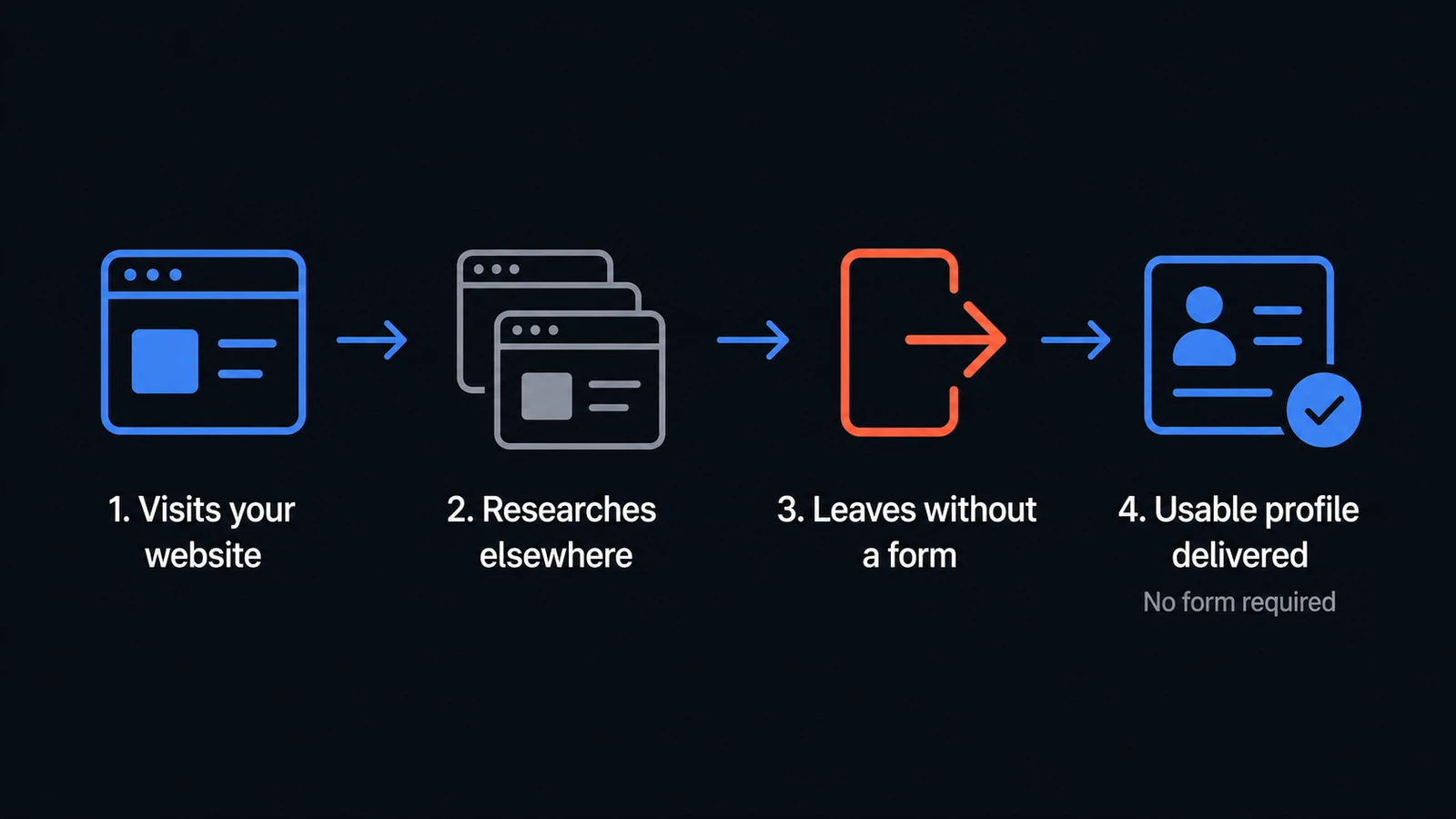
An anonymous visit moving across several websites before leaving without a form-fill
The same buyer can cross several sites before raising a hand.

“The leads are all tire-kickers.”

“A $400 repair request counts the same as a $15,000 roof replacement.”

This is why a healthy traffic report can still feel disappointing. The visitor showed interest, but the team received no usable lead and no practical next step. By the time the monthly report arrives, that demand may already have moved to someone else.

The solution: add a follow-up layer to traffic that already works

Leadpipe connects eligible visits to usable leads and preserves the intent context that made the visit valuable. Instead of another session in an analytics total, the team can review the lead quality and decide what deserves follow-up.

This is not a hack or a gimmick. It is a strategy for getting more usable opportunities from demand your marketing already creates.

How does that work?

A lightweight pixel records pages viewed and return activity. Leadpipe checks eligible U.S. visits against its matching infrastructure. When it finds a reliable match, a usable lead and visit context are sent to your dashboard or CRM. Not every visit will match; the trial shows what does on your own traffic.

Old wayBuy another click to restart the conversation

× Wait for a form fill before anyone follows up

× Lose the buyer when the research moves elsewhere

× Explain results later with a traffic report

Leadpipe wayKeep working eligible traffic already on the site

✓ Turn reliable matches into usable profiles

✓ Add contact routes and CRM follow-up

✓ Give the team a lead feed it can act on

Leadpipe amplifies existing demand. It does not replace the campaigns creating it.

How it works

No shared leads. No new spend. Turn the demand already reaching your client’s site into leads the office can work.

  1. 1

    Put the pixel on their site

    One snippet on your roofing client’s website. Minutes. Nothing changes for homeowners — or for the office.

  2. 2

    Turn roofing intent into a contactable lead

    Leadpipe connects an eligible visit to a usable lead profile and the service context that made the visit worth following up.

  3. 3

    The opportunity lands in their CRM

    Straight into the follow-up process your client already runs, while the roof decision is still open.
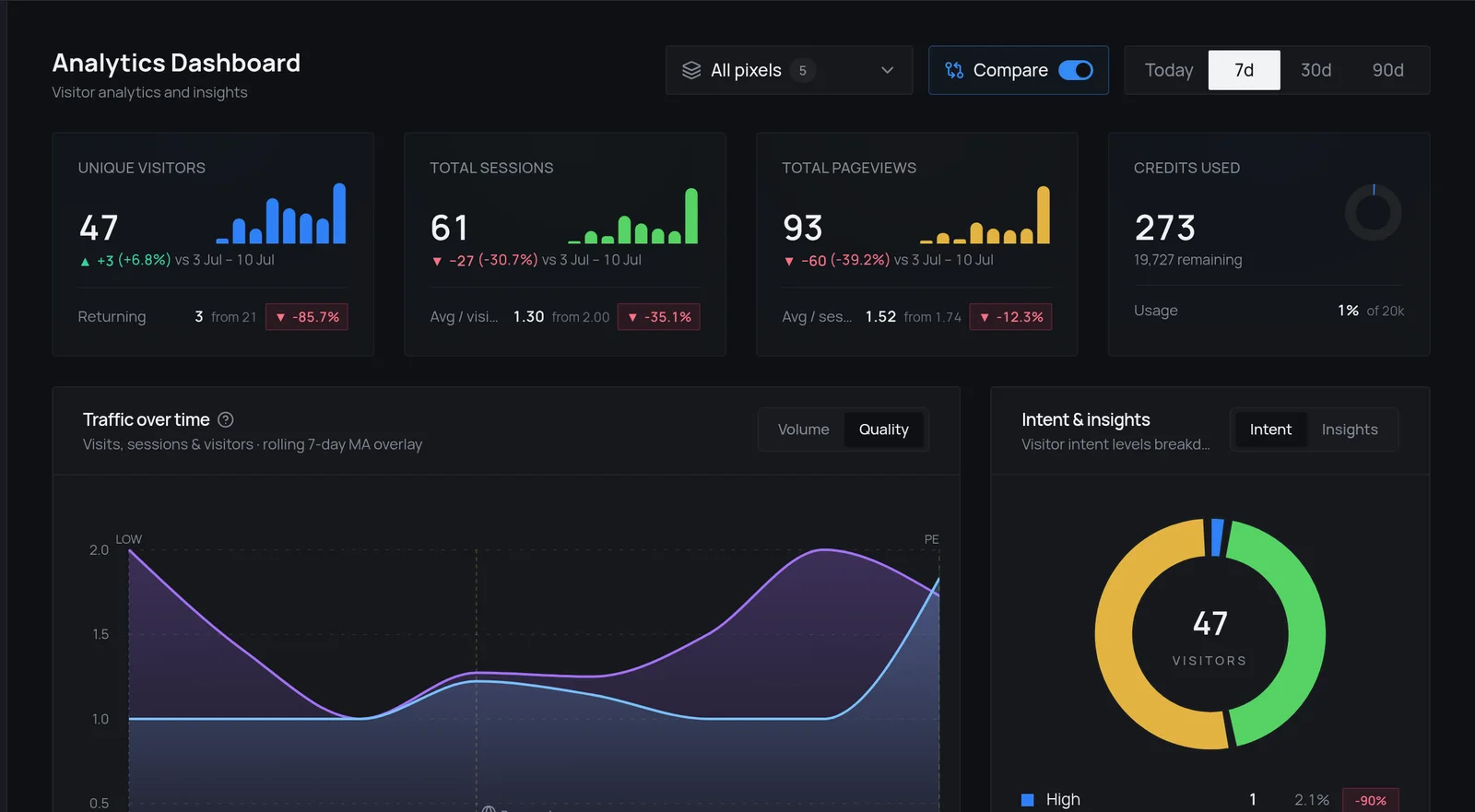
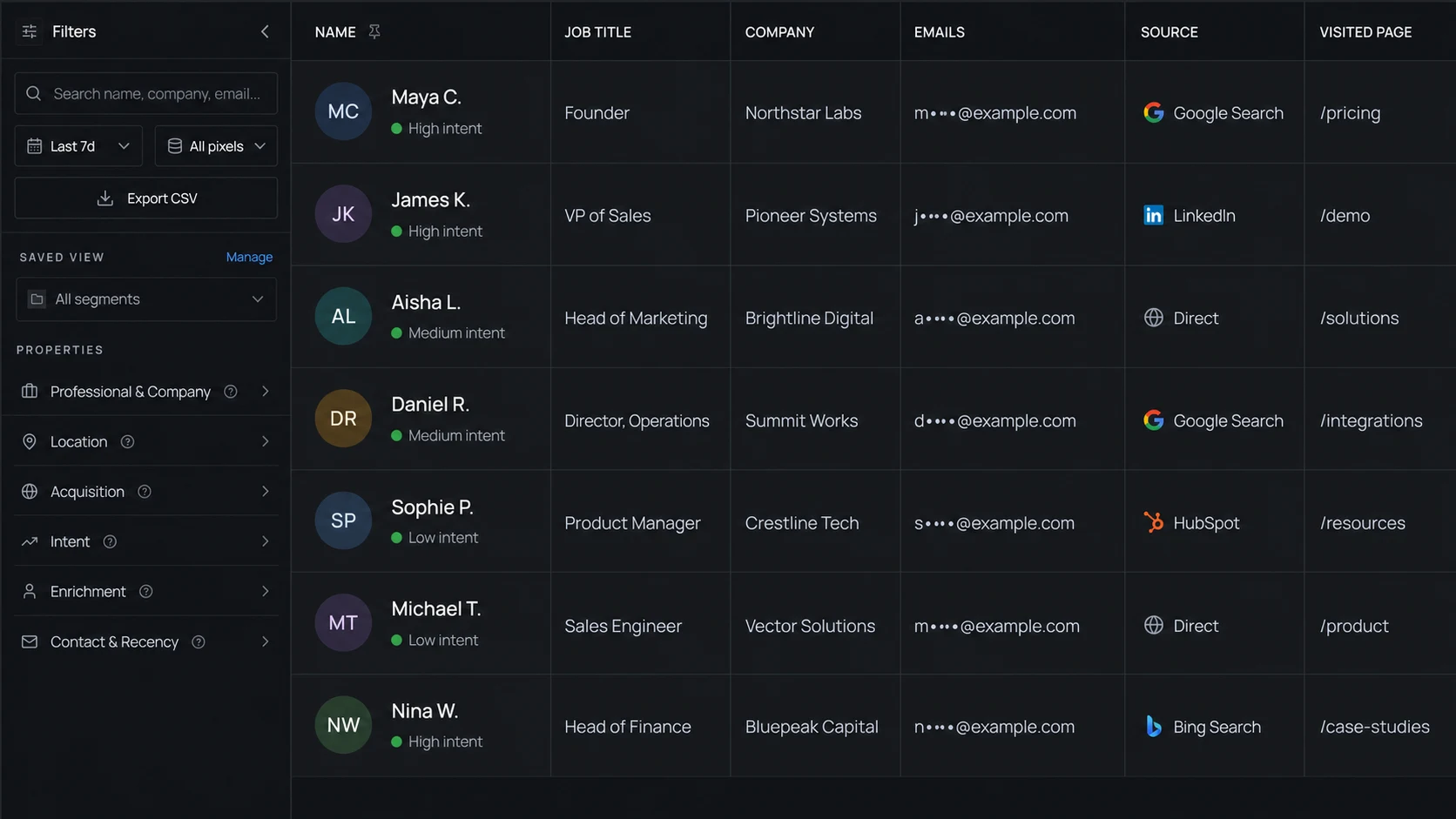
Inside the productWhat teams actually see and use
Leadpipe analytics and intent dashboardLeadpipe lead feed showing usable opportunities and visit contextLeadpipe pixel setup screen
Real Leadpipe screens: analytics, visitor profiles, and pixel setup.

The benefit: Stop losing roofing clients every time a month feels slow.

The practical benefit is simple: the same traffic produces more useful opportunities. The team can follow up while the visit is still relevant, and the person paying for the traffic can see what the campaign actually created.

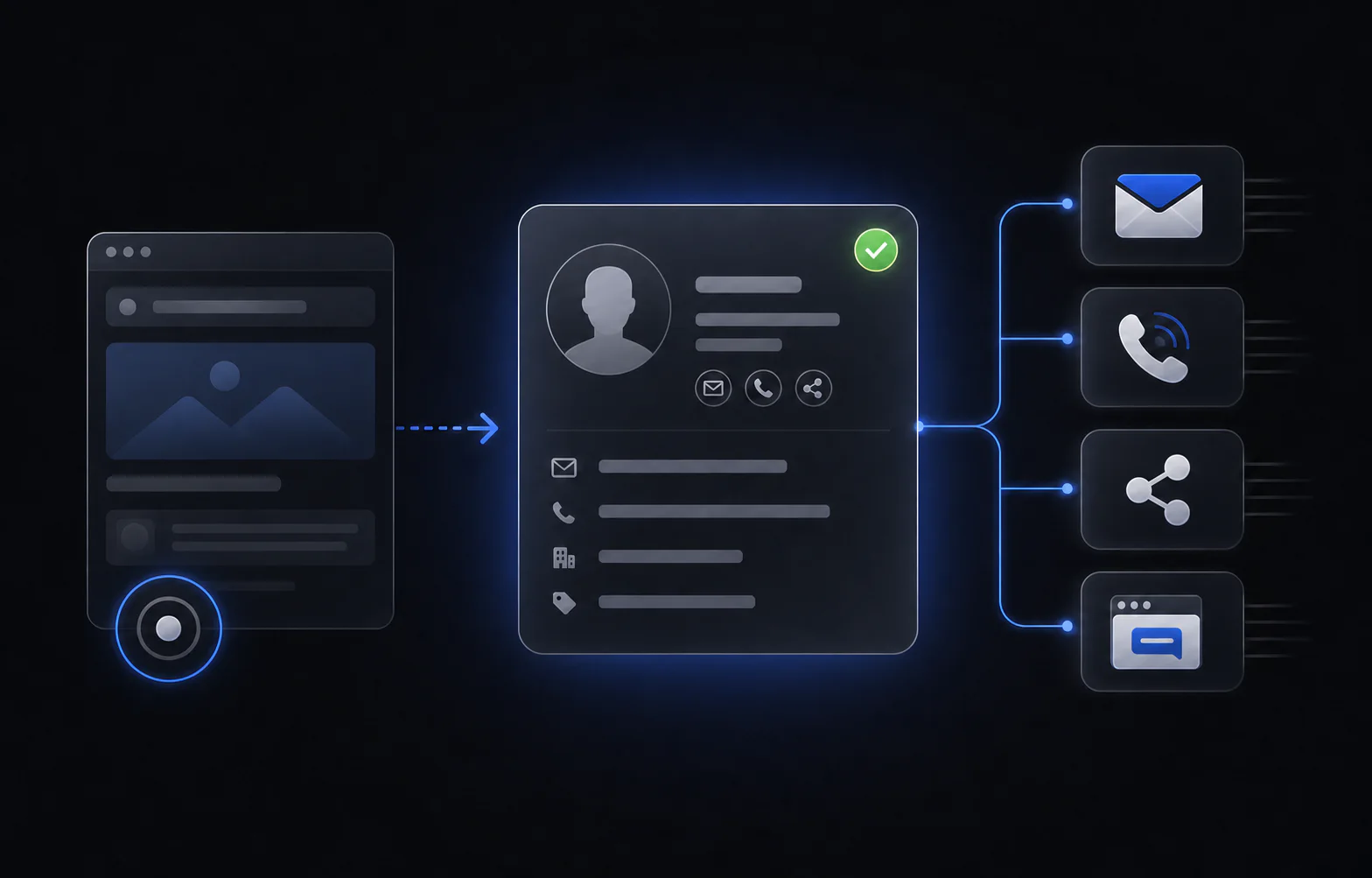
A website visit becoming a usable profile with several follow-up routes
One usable profile can support email, phone, professional-profile, and CRM follow-up.

Keep the roofer

Slow month? Open the dashboard and hand over roofing opportunities created by traffic the client already paid for.

Prove the ROI

Usable roofing leads connect campaign spend to real sales activity — proof the client can check against jobs they closed.

A recurring line that doesn’t churn

Project work pays once. Identification renews every month — under your brand, across unlimited clients.

“Accuracy of visitor identification and seamless CRM integration is excellent.”
Daniel B., Managing Director · Verified G2 review
G2

Questions teams usually ask

Getting started

How does the free trial work?

Install Leadpipe on one site and use the full product for 7 days or up to 500 identified profiles, whichever comes first. No credit card is required. When the trial ends, nothing is charged automatically; choose a plan only if you want identification to continue.

How long does setup take?

Usually about five minutes. Add one lightweight JavaScript pixel directly to the site or through a tag manager. There is no application rebuild, and visit activity begins appearing as live traffic reaches the site.

What counts toward the 500-profile trial limit?

One unique matched person counts as one profile. Return visits from that same person attach to the existing profile and visit timeline rather than consuming another profile.

Where can Leadpipe send a matched profile?

Review matches in the Leadpipe dashboard or send them into the workflow you already use. Supported destinations include popular CRMs, Slack, Zapier, n8n, webhooks, and the Leadpipe API.

Will every website visit produce a contactable lead?

No. Lead matching is designed for eligible U.S. traffic, and output depends on the traffic and available identity signals. Unmatched visits are not presented as leads. The free trial shows the actual output from your own traffic before you pay.

Before you decide

Is it a usable lead — or another maybe-list?

A contactable lead, not a broad list of maybes. During the trial you can inspect the output from your client’s own traffic before paying a cent.

Is this real? How does it work?

A pixel connects eligible visits to usable lead profiles and sends them into the client’s CRM. You can judge the output on real traffic within days.

Is this legit — or creepy?

It extends the same lead follow-up your client already runs to eligible visits that ended without an estimate request. The leads are not shared or resold.

Am I locked in?

No lock-in. The trial runs for 7 days or up to 500 profiles, whichever comes first, with no credit card. Then it’s month to month. Cancel in a couple of clicks — no retention gauntlet, no hoops.

Another subscription that won’t pay for itself?

Leadpipe has to keep delivering roofing leads the client can actually follow up with — otherwise there is no reason to keep it. Start with up to 500 profiles free, then judge the value from the usable leads delivered. After the trial, it is month to month with no long contract. Cancel anytime if the leads no longer justify the cost.

See value first. Pay nothing during the trial.

Use Leadpipe on your own traffic for 7 days or up to 500 profiles, whichever comes first.

No credit card. Inspect the output and continue only if it is worth keeping.

No card · 7 days or up to 500 identified profiles