

Find the company behind an IP address![]()
Send an IP address. Get a company name, website, industry and more when a match is available. Give your team a better place to start.
For eligible Leadpipe accounts. Company API access depends on your plan.
Trusted by 400+ SaaS Startups, Agencies, & Enterprise Companies













IP to CompanyAn address in. Company information out.
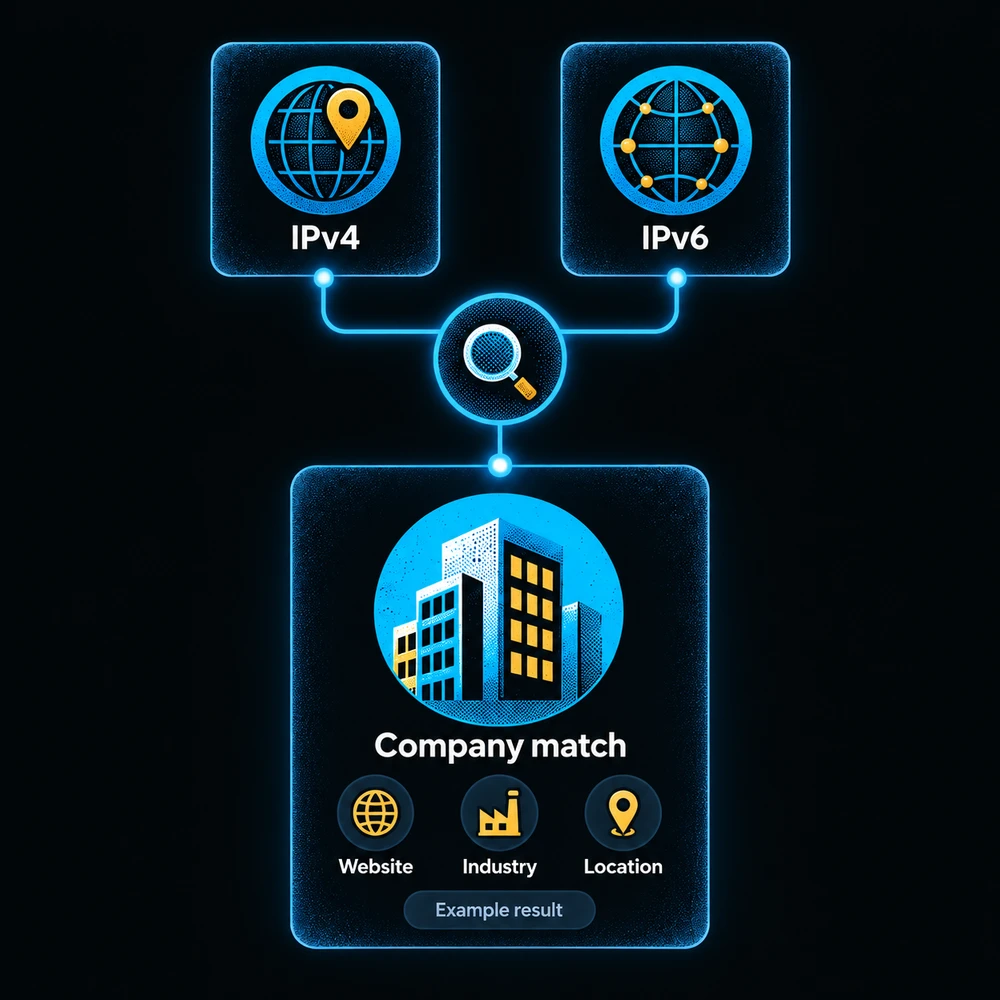
Send an IP address
Your app sends an IPv4 or IPv6 address to Leadpipe using your API key.
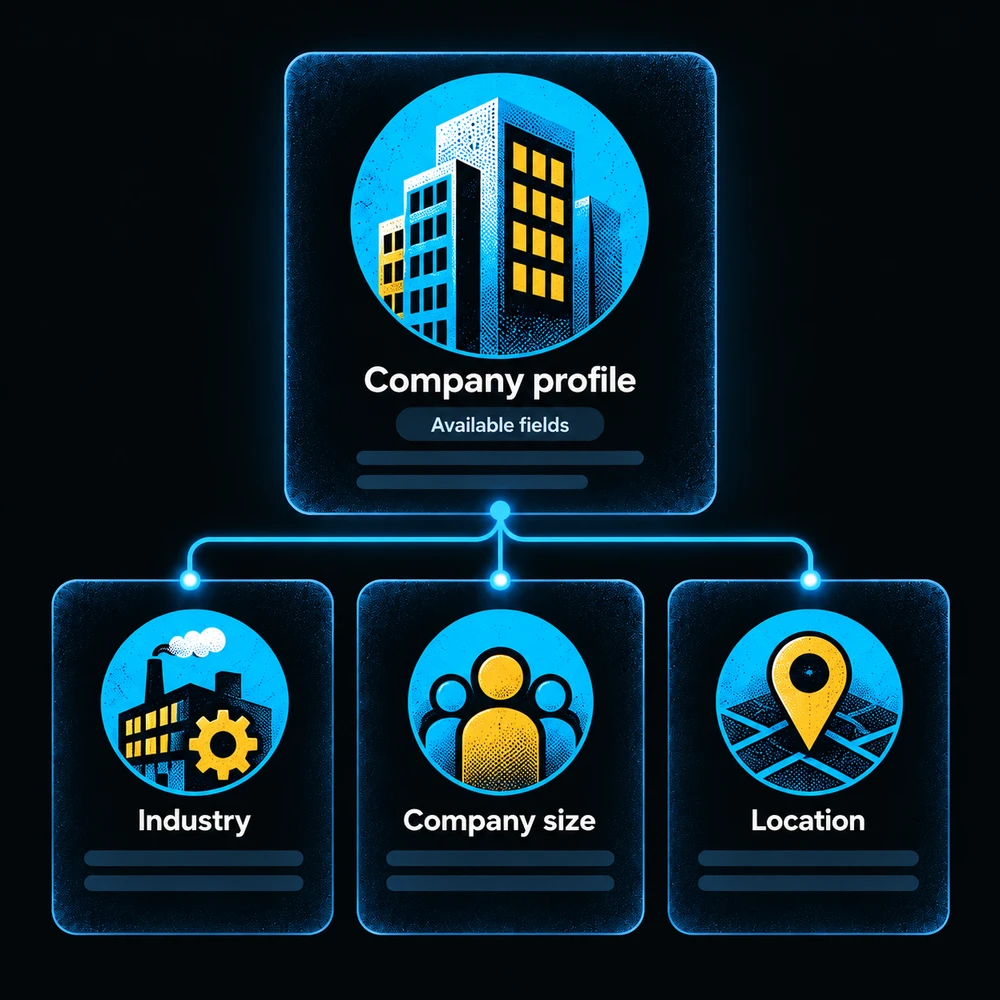
Find the business
When a match is available, get the company name, website and other business details.
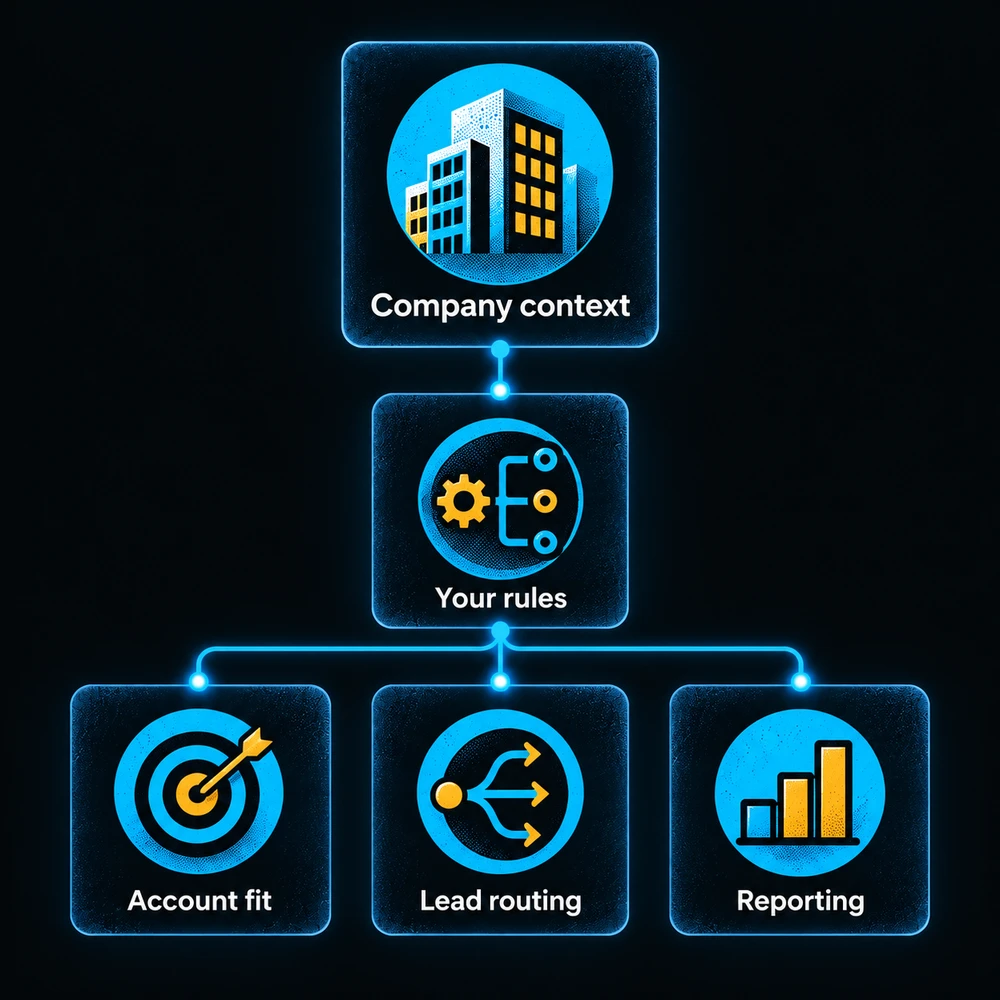
Choose your next step
Use those details to research an account, send it to the right team or improve your reports.

Put a company name to an IP address
An IP address is a network address. By itself, it tells your team very little. Leadpipe looks for a saved company match and returns the available business details, so you have somewhere useful to start.
Get started →Company API access depends on your account and plan.
See whether the company fits
Find the company’s website, industry, size and location when those details are available. Give your team a clearer picture before they spend time researching the account. Some fields may be missing.
See what the API returns →Company information, ready for your own app.


Put the details to work
Your developer can use the result in tools you already run. Send a company to the right sales team, compare it with your target accounts or add business details to a report. You decide the rules.
Read the setup guide →One request. A company result, or no match.
Useful company details for the work you do.
- ✓Start with a business name and website
- ✓Check whether the company fits your target market
- ✓Research the right account before reaching out
Frequently asked questions
IP to Company
What is an IP to Company API?
It is a way for your app to look up the business linked to an IP address. Send one IPv4 or IPv6 address. If Leadpipe has a saved company match, you get its available details, such as name, website, industry, size and location. Some fields may be empty.
Does it tell me which person visited?
No. This API returns company information. It does not identify a person or show page visits. Use Leadpipe Identification for eligible person-level visitor records.
What if there is no match?
You get an empty result, shown as data: null, and use zero lookup units. The API checks saved matches; it does not start a new search or enrichment job.
How is usage counted?
A request that returns a company uses one lookup unit, even if you looked up that IP before. Your company-lookup allowance is separate from other products and equals your effective identification-plan limit. All API keys in your organization share it. Check your account for access and your available allowance.
Can I trust every match?
Treat a match as a starting point for research. Company mappings can become outdated. Shared networks, VPNs and hosting services can make them harder to interpret. A match does not prove that the company owns the IP or that one of its employees visited.
How do we connect it?
Your developer sends a GET request to /v1/data/company from your backend, with an X-API-Key header. Both IPv4 and IPv6 work. Keep the key private. Follow the API guide for setup, response fields and error handling.
Can we save results or repeat requests automatically?
The endpoint sends a no-store instruction: do not cache or prefetch results. Avoid automatic retries when you are unsure whether a request succeeded, because another company result uses another unit. The request limit is 60 per minute per client IP.
GET STARTED
Start with an IP.
Leave with more to go on.
Give your team company information they can use. Check your access, connect the API and bring the results into your own workflow.
Get started →Read the API guide →One company result uses one lookup unit. No match uses zero. See plans.